
This knowledge base contains basic tutorials on Hytale modding, providing guidance on getting started with modding. We have a separate article covering how to install mods for Hytale here.
Please note that Hytale is currently in Early Access, and these tutorials may contain outdated or incomplete information. We aim to keep these as up-to-date as possible. If you wish to contribute, please contact us on our Discord server.
What are mods in Hytale?
Hytale mods are split into three categories, these are:
- Packs
- Plugins
- Early Plugins
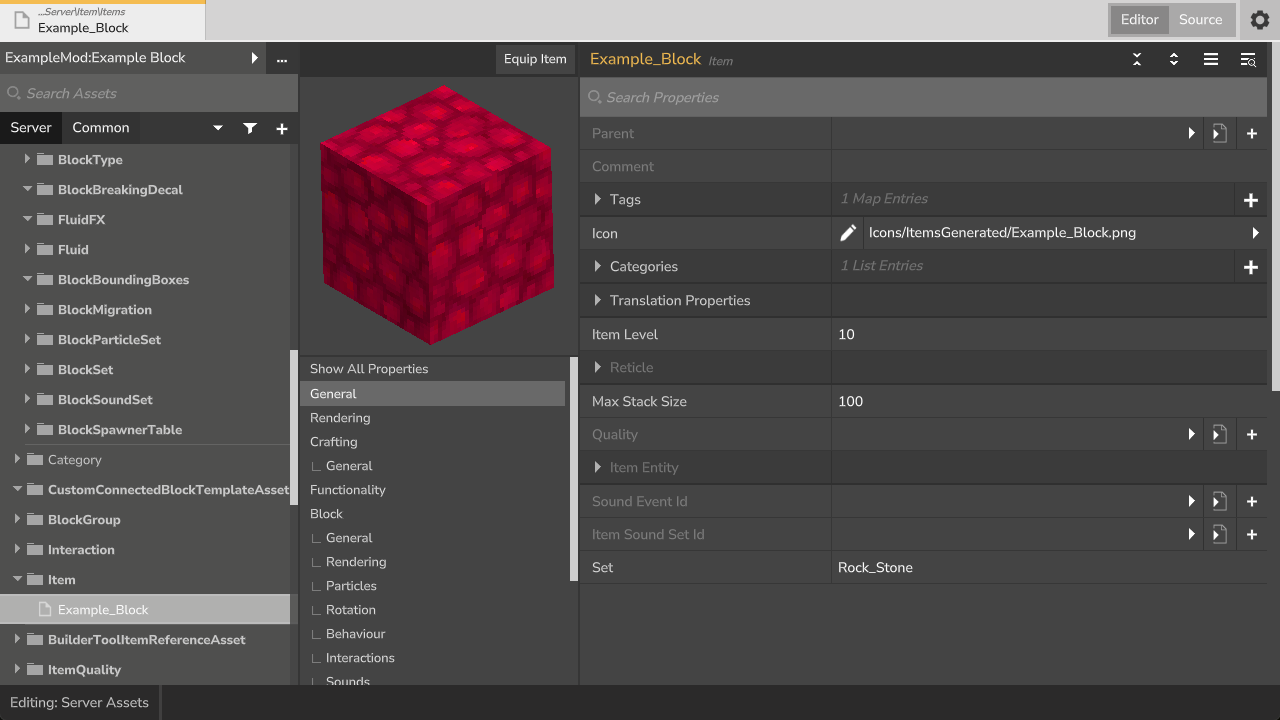
Packs are asset/content packs, which are how you implement things such as new blocks, mobs, items, and other behaviour into the game. You can modify most settings included in a Pack using the Asset Editor, without requiring any coding experience. These can be used in conjunction with Plugins.
Plugins are mods written in Java, and make use of the game’s API to expand on vanilla functionality and add new content.
Bootstrap/Early Plugins are plugins that operate outside of the standard plugin environment. Their primary function is low-level modification, specifically performing class transformations that involve altering or injecting bytecode into classes as they are loaded. These should only be used when absolutely necessary.
Creation Tools
A powerful aspect of Hytale that makes modding so accessible is its incredible built-in Creation Tools, featuring tools such as Machinima for recording content, World Tools for allowing expansive world modification and editing, and more.
Importantly, the Asset Editor allows you to easily modify your Packs, adding new behaviour and mechanics to the game with ease.
Future of Modding
It’s important to remember that this is the very beginning of Hytale modding. There is still so much to come, and we can’t wait to watch this journey unfold!