If you are the owner of a Premium Mod, you can share your gained revenue with other CurseForge users so whenever you gain revenue from selling a Premium Mod, your selected members automatically receive their share in their Tebex wallet.
Revenue distribution is scoped to a specific project. If you wish to share the revenue on more than a single project, you will need to repeat the steps mentioned in this article with every project.
Sharing your revenue takes the following steps:
- Creating Tebex wallets
- Connecting Tebex wallets to CurseForge users
- Setting your desired revshare for your Premium Mods
Take me to...
Creating Tebex wallets
If you want to share your Premium Mods revenue with other CurseForge users, they must have a valid Tebex wallet with valid payment method as well.
The below steps are required of all CurseForge users who want to get revenue from a Premium mod, not just the owner of the mod.
To create a Tebex wallet:
- Visit tebex.io
- Create an account
- Create a wallet
- Add a payout method
Without completing these steps, you will not be able to get funds into your wallet.
You can follow this Tebex guide to complete all of the required steps
Connecting Tebex wallet to CurseForge user
After creating your Tebex wallet and adding a valid payment method, you need to link your CurseForge user with your Tebex account.
The required steps are as follows:
1. Visit to the CurseForge’s authors console at: https://authors.curseforge.com/
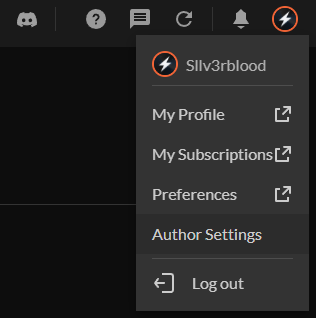
2. Click on your profile picture and select Author settings
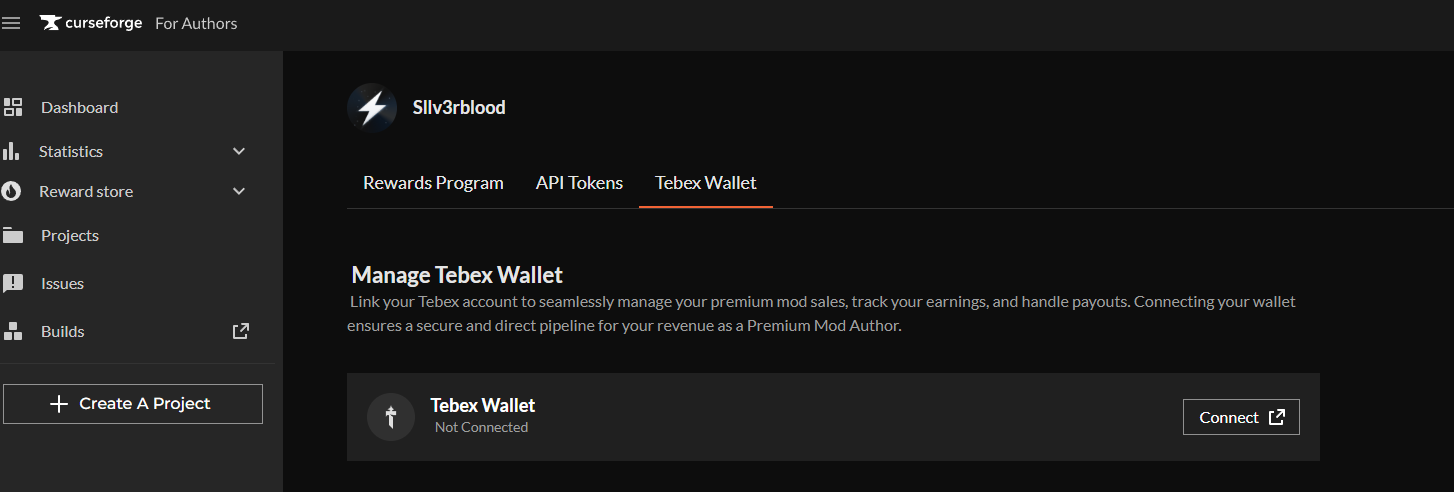
3. Go to the Tebex Wallet tab and click the Connect button
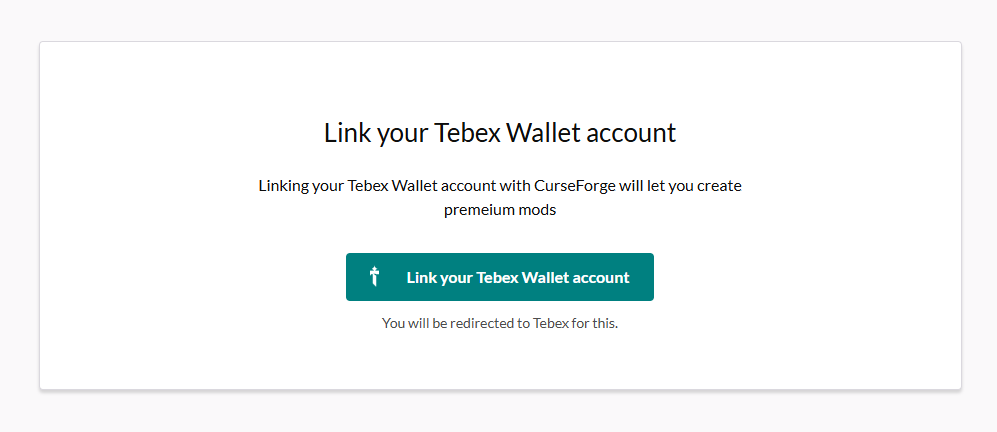
4. In the next window, click on Link your Tebex Wallet account
5. Sign in to your Tebex account
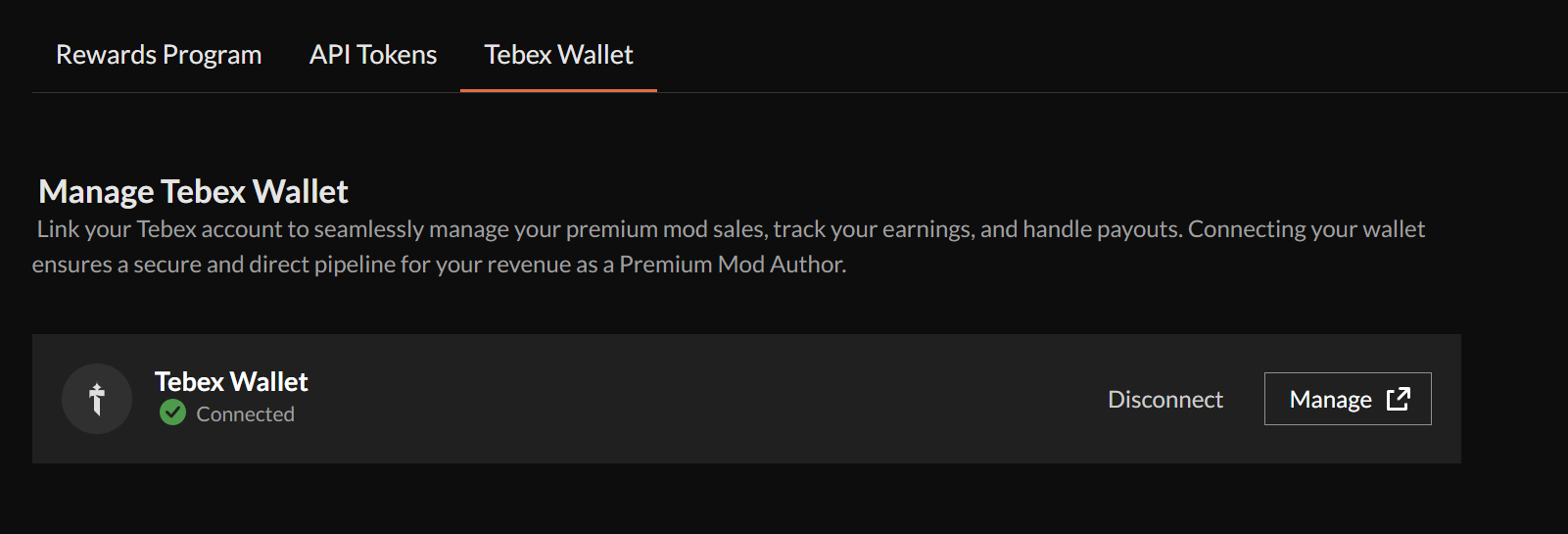
6. Check your Tebex connect tab and make sure your wallet is connected
Set your desired revshare
After all relevant CurseForge users have linked their Tebex wallet, you can share the revenue of your Premium Mod with them.
Here are the steps to do so
1. Visit your project’s members tab
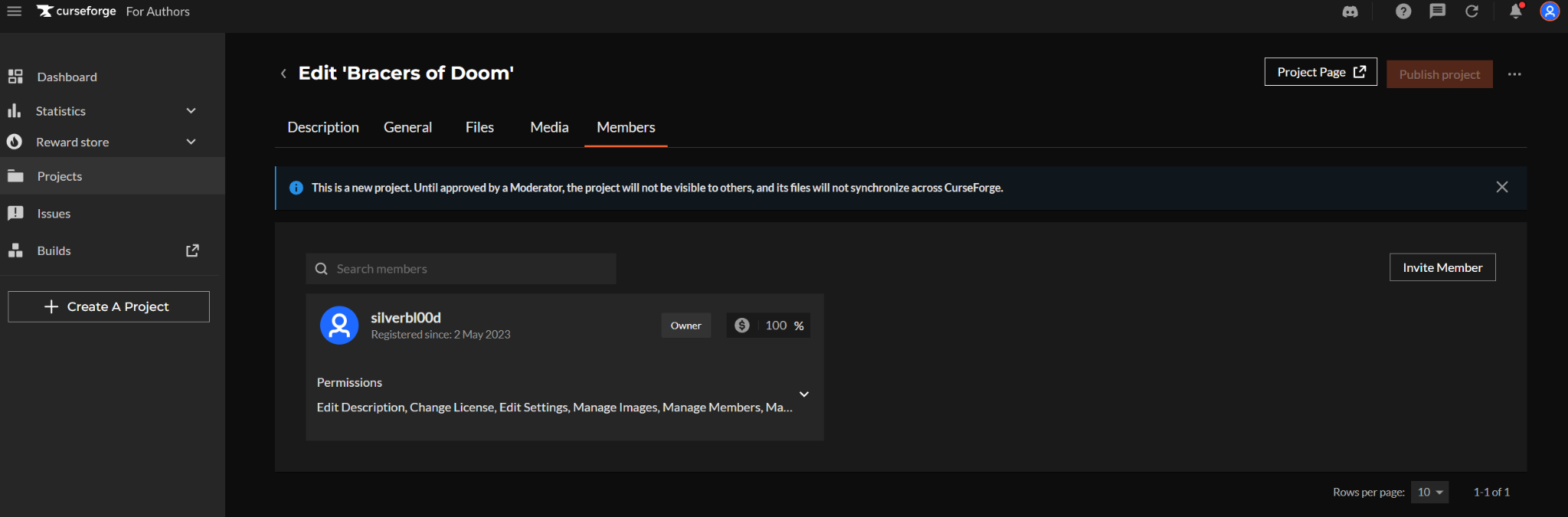
2. Add the members you wish to share the revenue with and wait for their approval, you can add as many members as you wish - They will see the invite in their notification center and approve your request
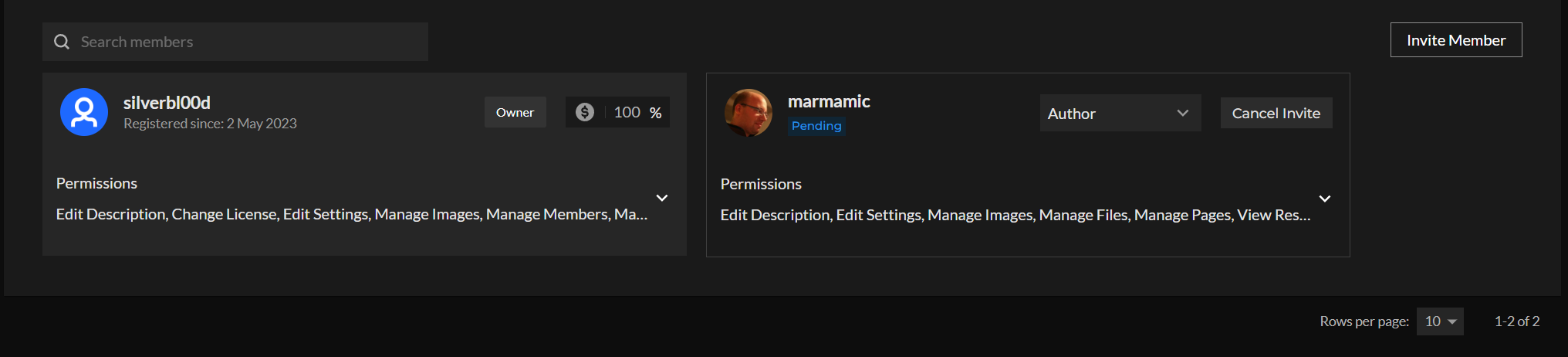
3. Once they approve the membership, you will be able to allocate revenue share with them - Set the desire percentage of your revenue you wish to share with them and hit the Save button
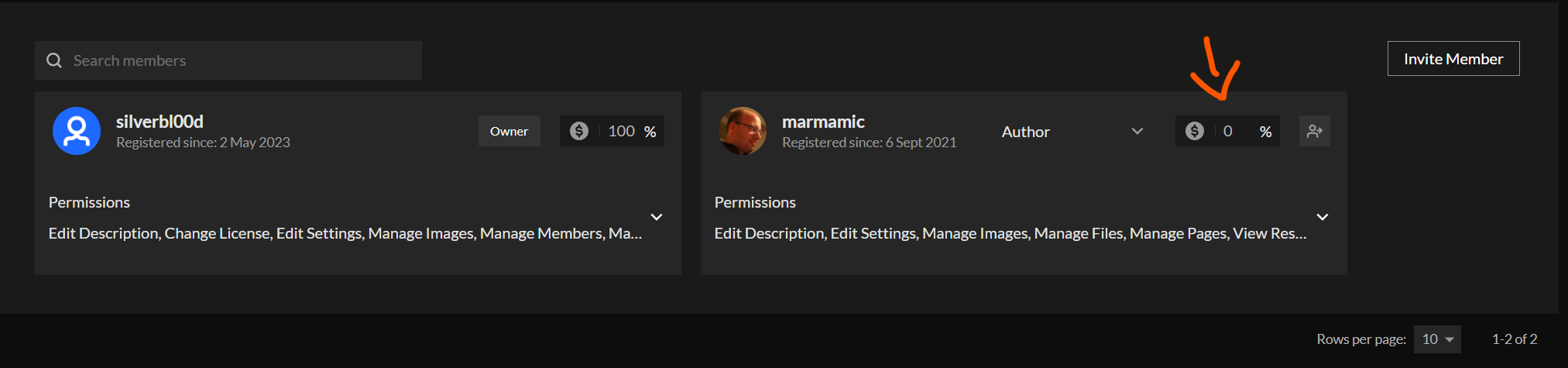
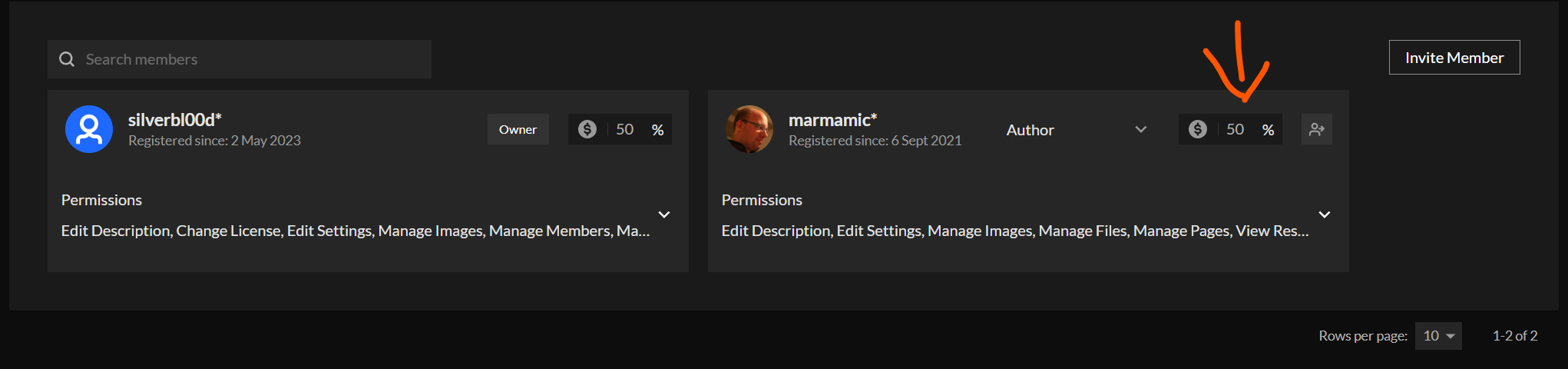
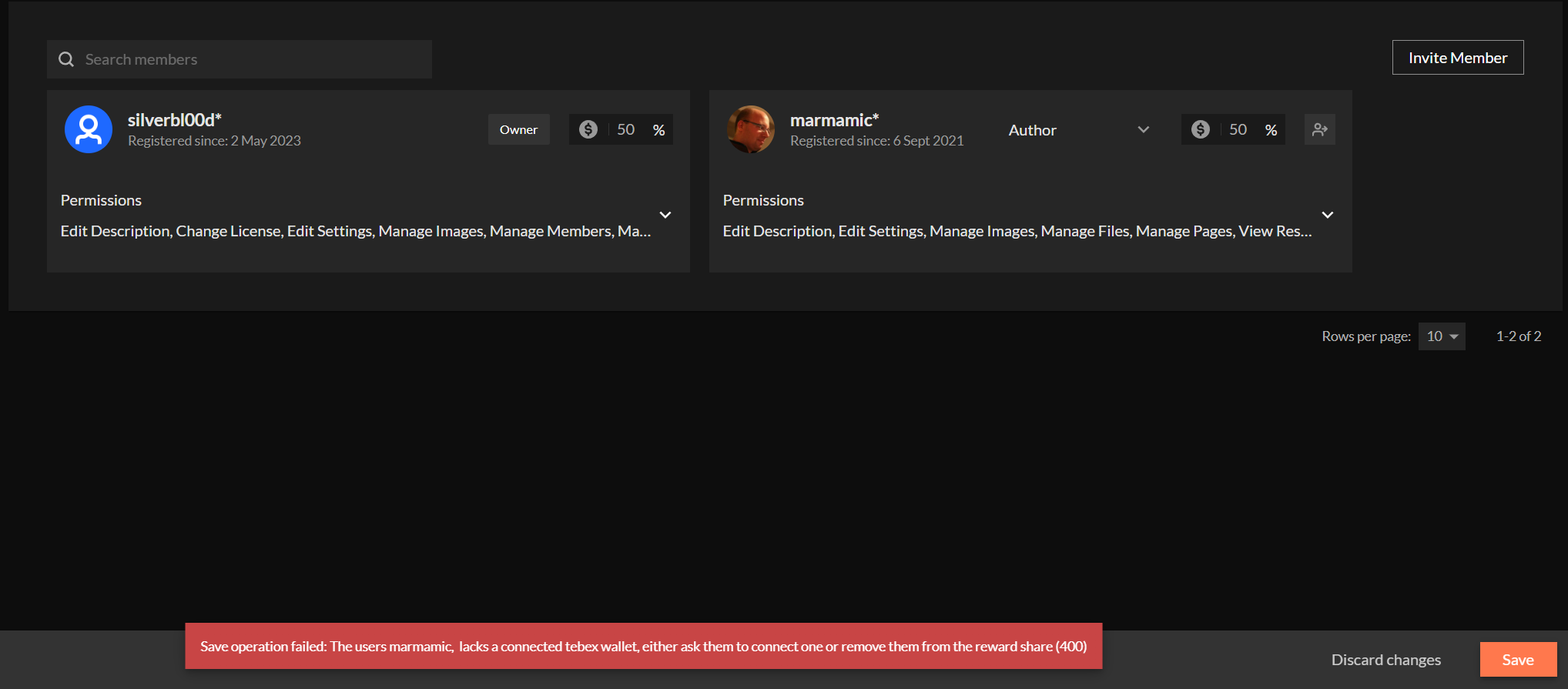
If a member didn’t link their Tebex wallet to their CurseForge account, you will not be able to save the new revshare and will see an error message with the name of the relevant member.
After completing these steps and saving the new revshare structure, revenue will be distributed accordingly within a few minutes for PC purchases and will be accounted for in the next relevant console payment cycles (about 60 days later).
FAQ
Can I add multiple members?
Yes you can. As long as every user has linked their CurseForge account to a Tebex wallet, you can add as many users as you wish
Can revenue allocation exceed or be under 100%?
No it cannot. Revenue allocation must sum to 100% exactly. You will not be able to progress otherwise.
Will that include revenue from consoles as well?
Yes it does. While consoles revenue is not paid immediately like PC mods are, the consoles 60-days payment cycle revenue will be distributed according to the revshare defined in the Members tab
Can I remove a member from the revshare in later phases?
Yes you can. That being said, revenue from both PC and consoles will be distributed according to the tab on a daily basis. Meaning, if you change the revenue mid-month, the removed members will get their revenue from the relevant time period until removed.
You can either set their share to 0% or you can remove the member completely from the project.

How long will the new revshare be activated after adding a member?
The changes will take place within a few minutes. Revenue from PC purchases will be added to the wallet with every purchase and consoles revenue will be added on the next relevant payment cycle (about 60 days later)
Can I update revshare retroactively?
No you cannot. New revshare will be activated from the update onward. You cannot change past payouts.